Your shortcut to go viral
Every AI you need, one studio.
What do you want to make? Pick one. The studio opens ready.
Start from one that works. Pick it. Make it yours.
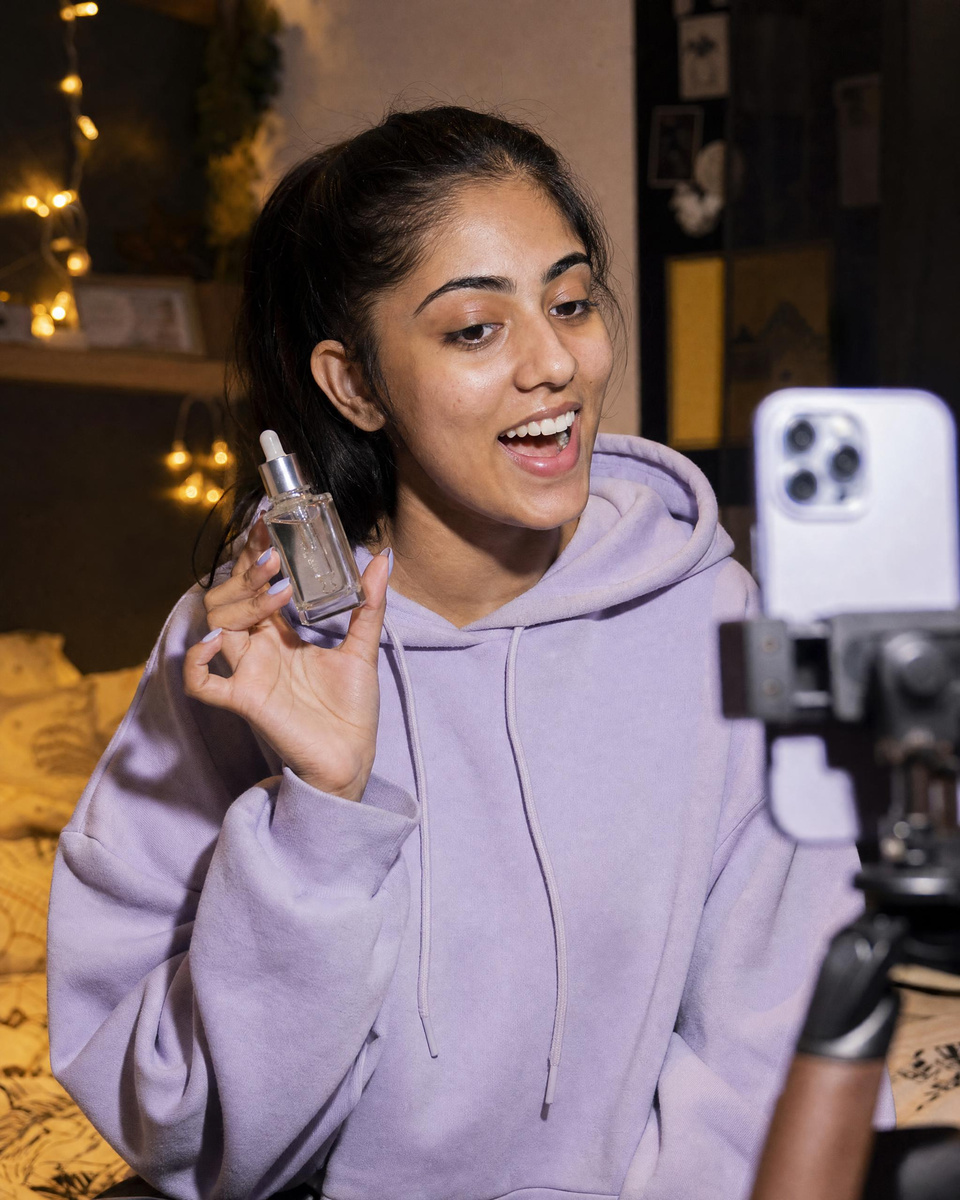
Viral
12 templates
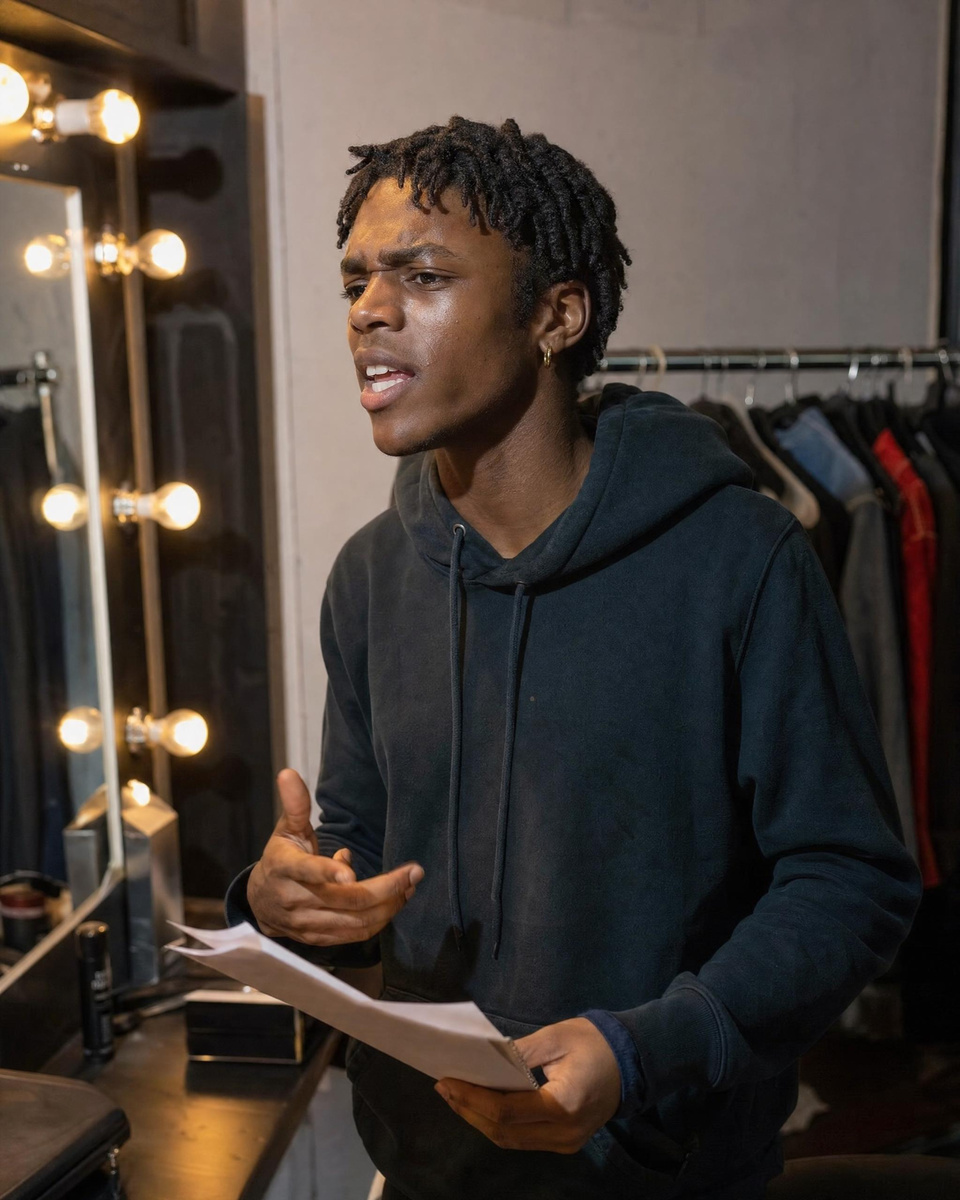
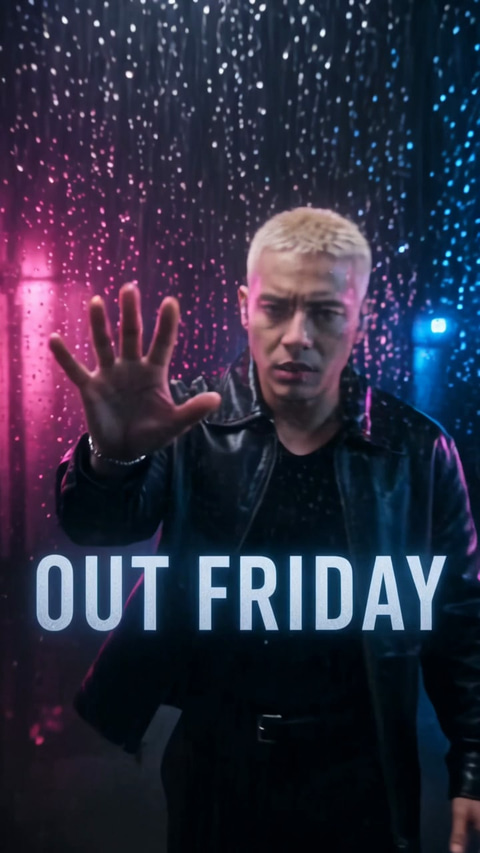
Black Friday
5 templates
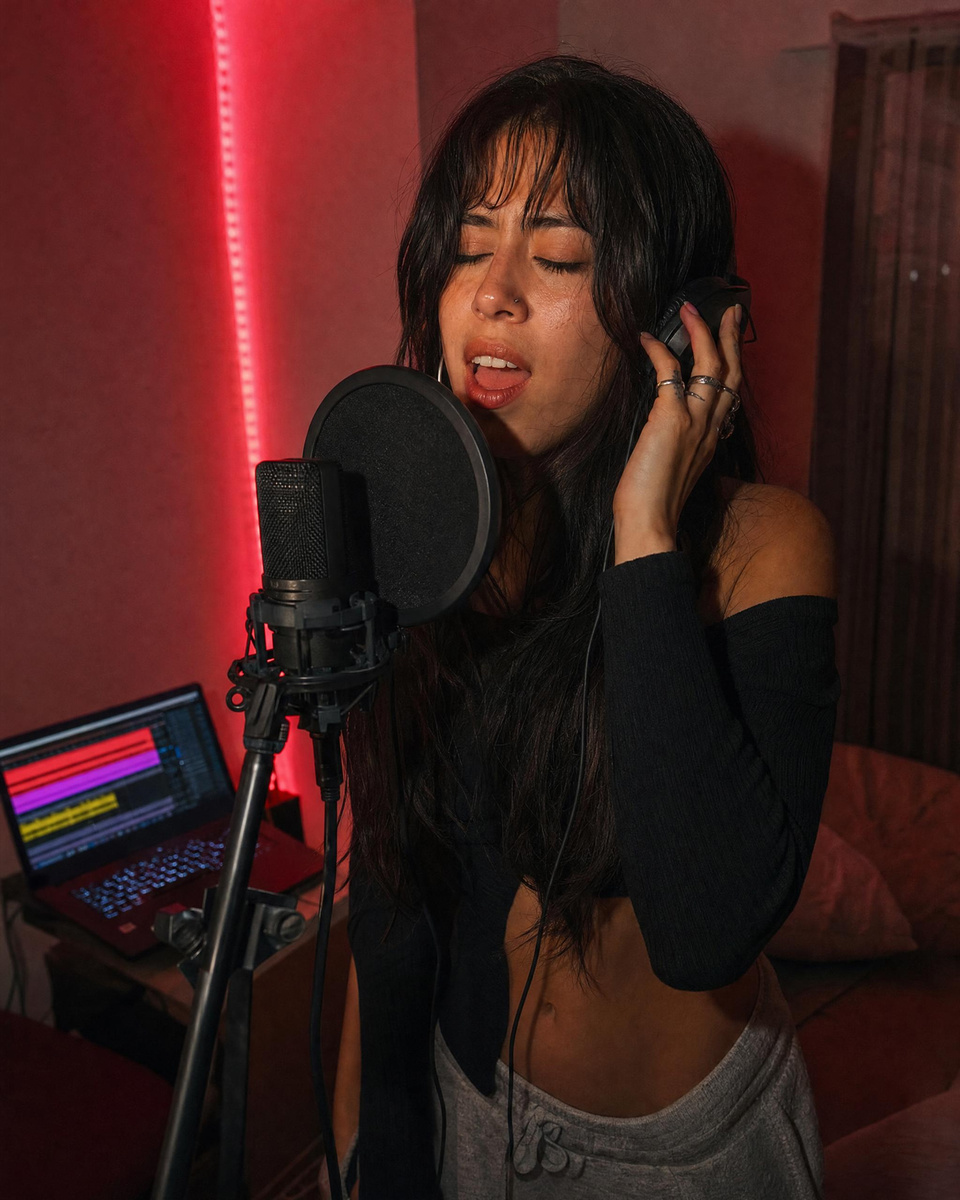
Christmas
6 templates
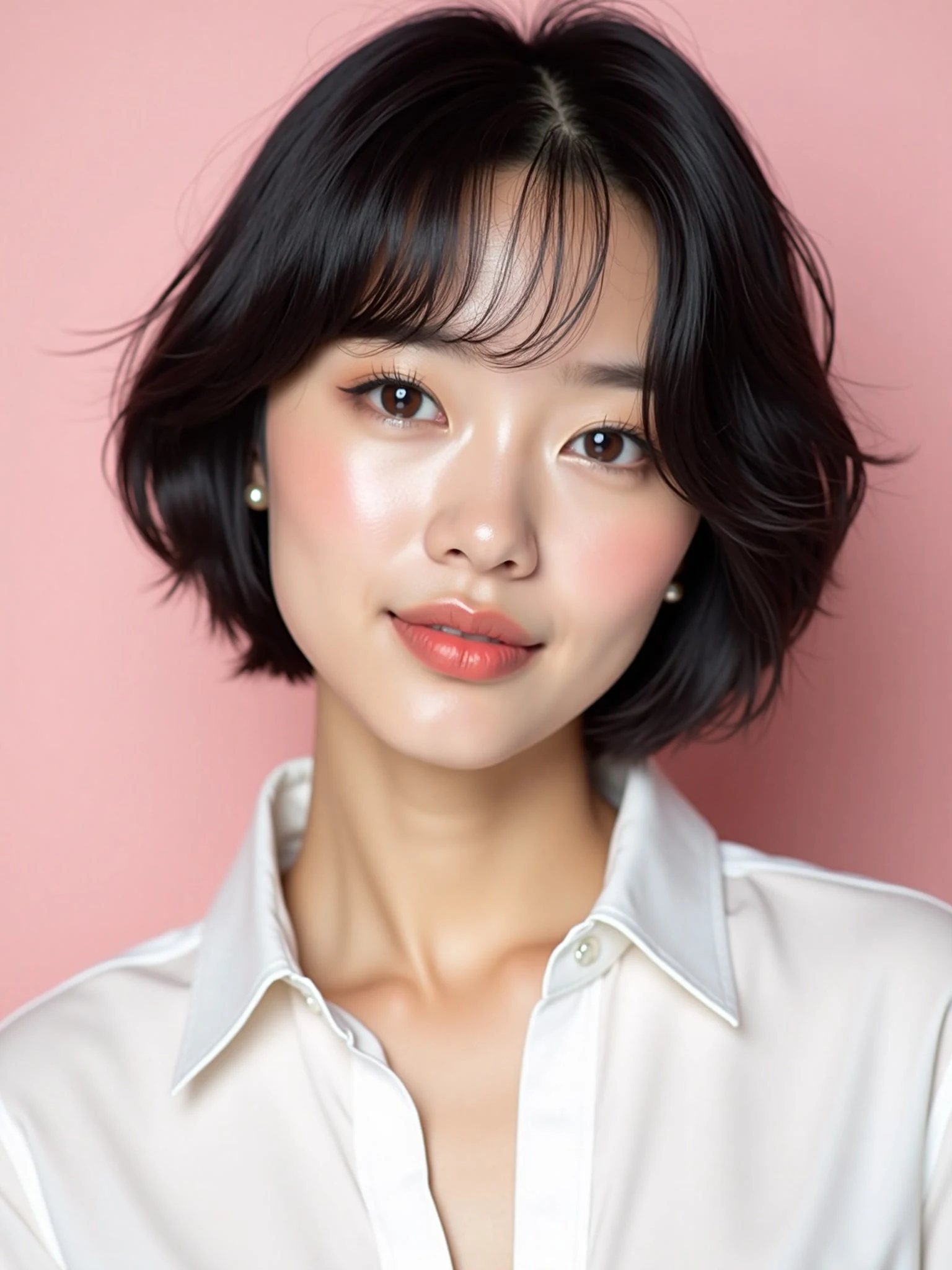
New: Imagera Saxa. Our most realistic pictures.
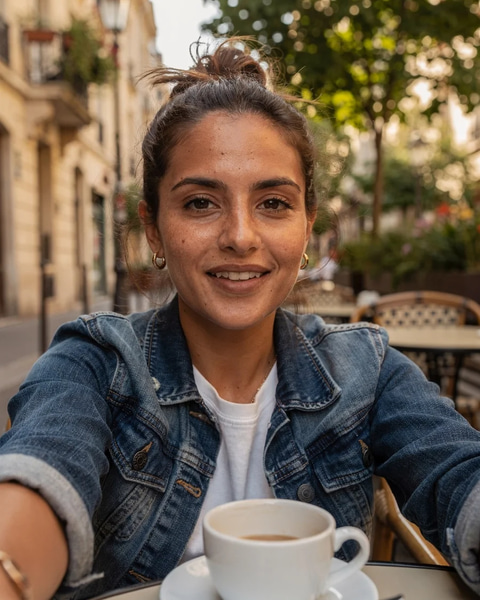
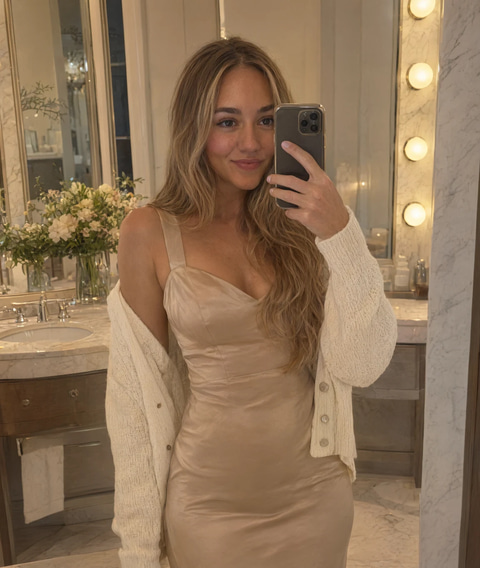
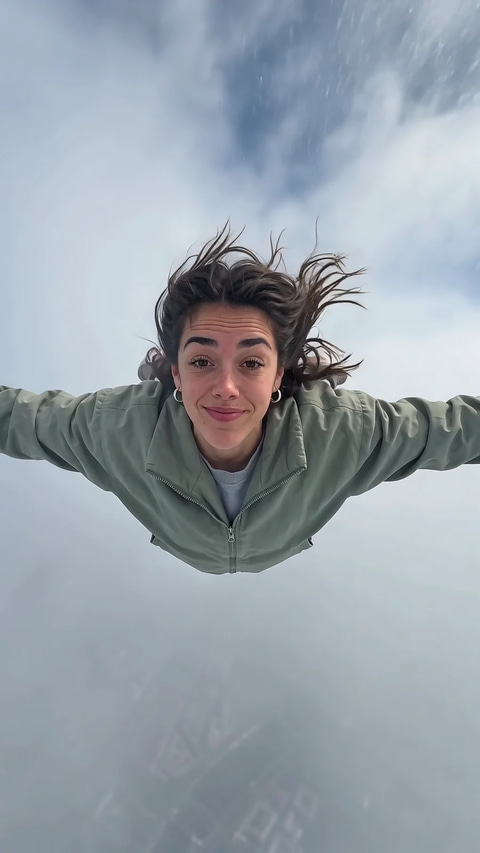
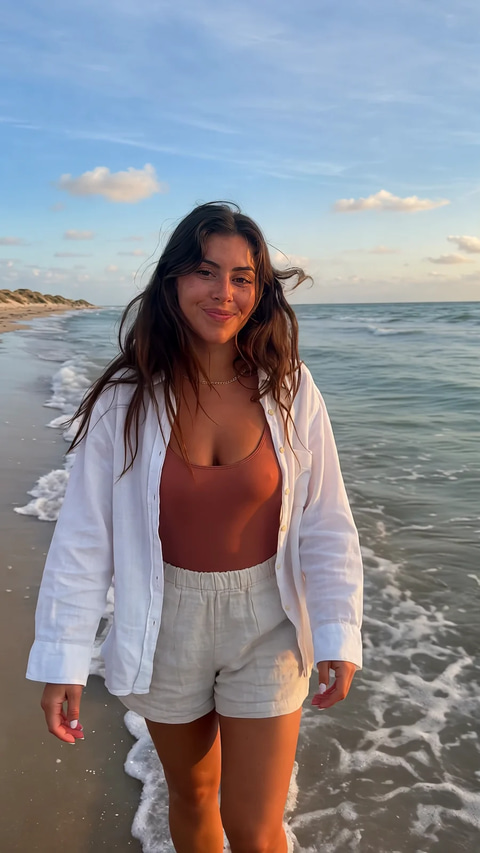
Skin with pores, words spelled the way you wrote them, and edits that change one thing and keep the rest. Press a picture to see how it was made.
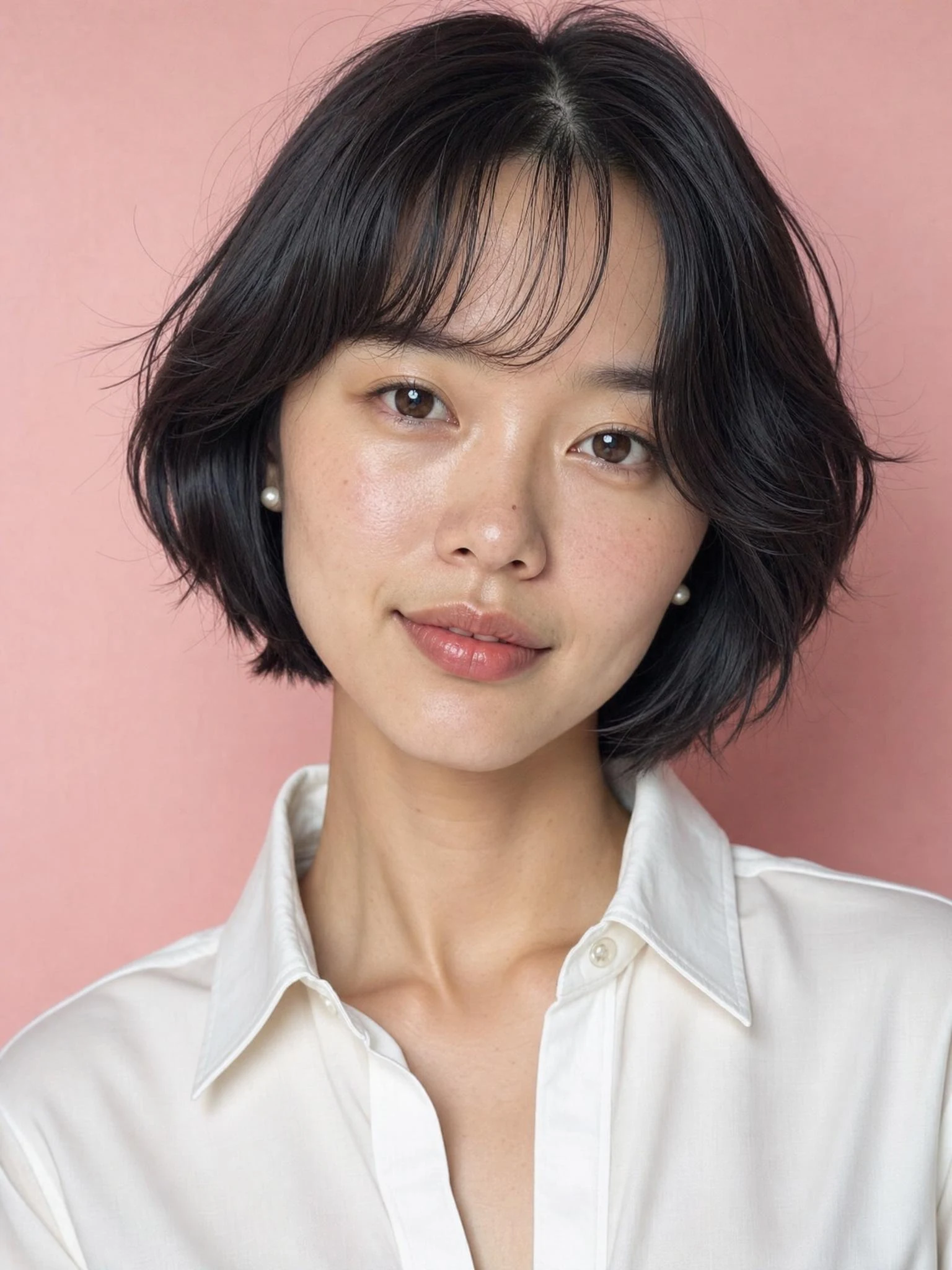
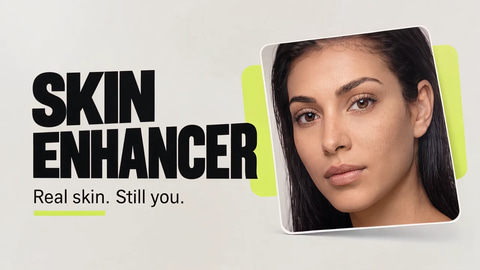
Real skin
Pores, stubble, freckles and hands you can count.
Imagera exclusiveMade here, nowhere else
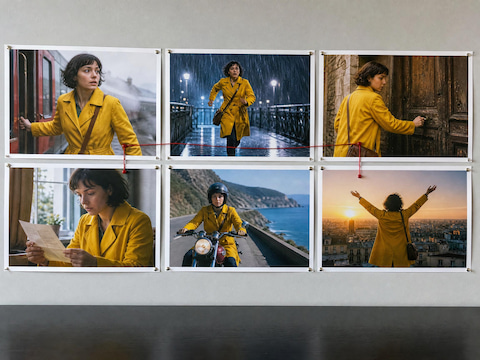
Imagera Higsu draws a storyboard sheet before it shoots, the Feature Showcase Ad turns a brief or screenshots into a launch video, and a Cinematic Website opens on its own film.
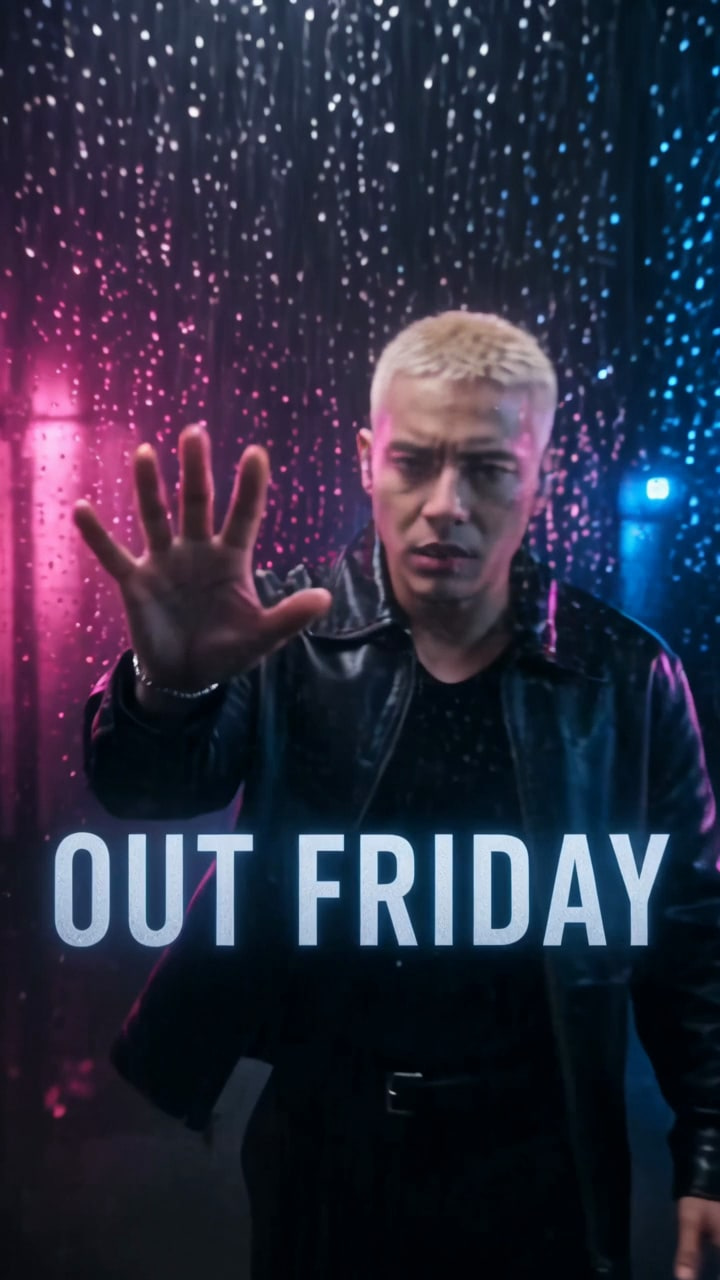
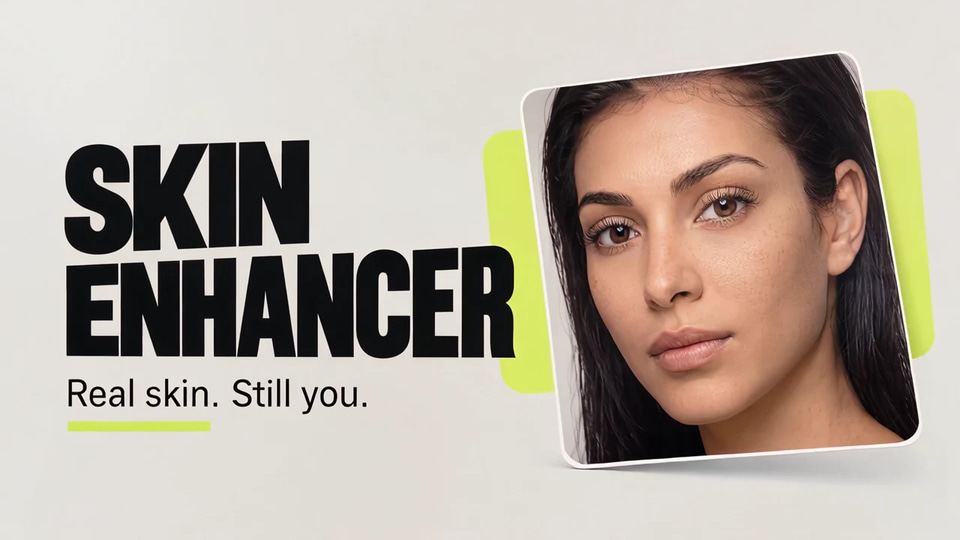

Real enough to pass. Priced below the rest.
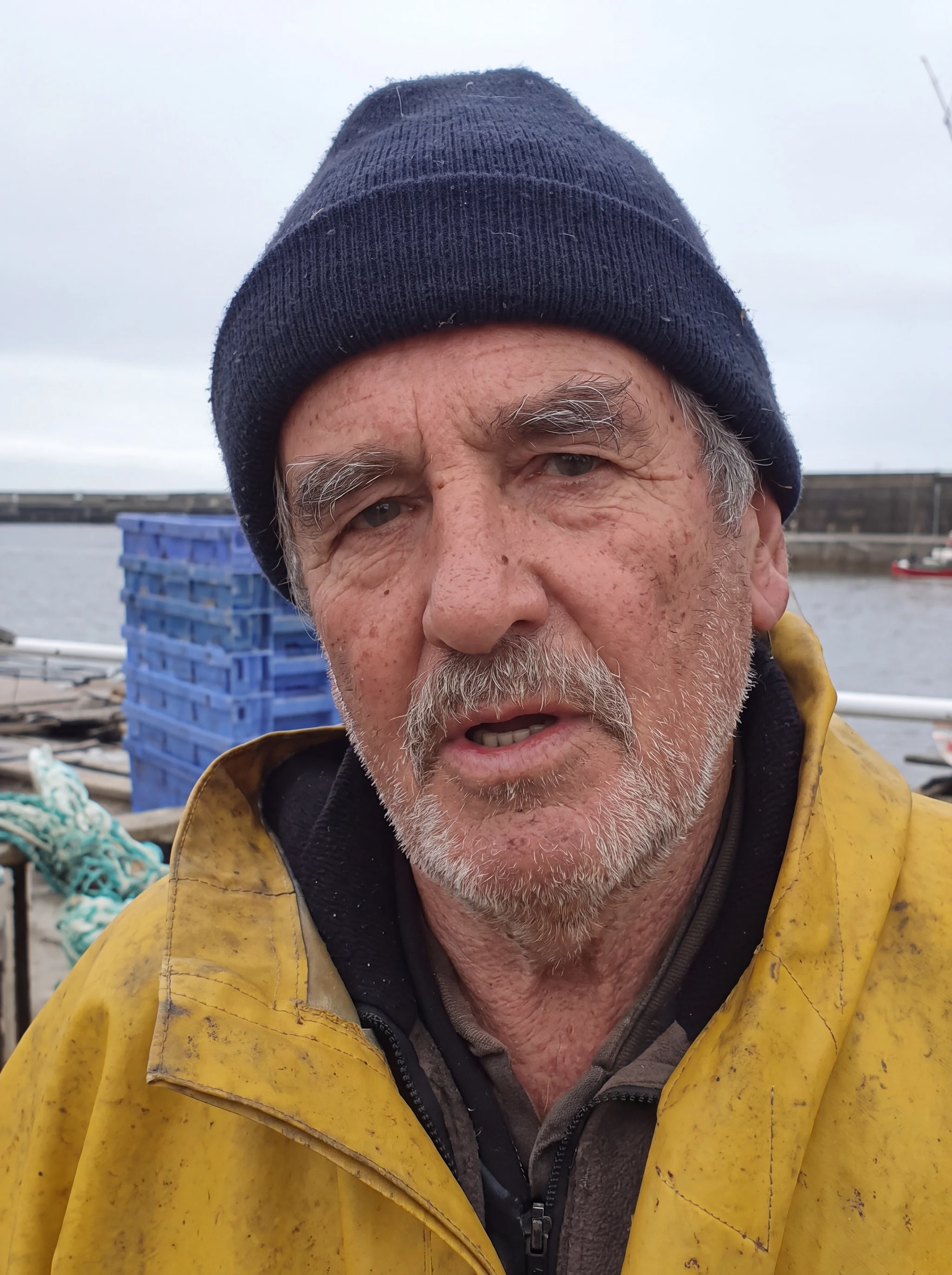
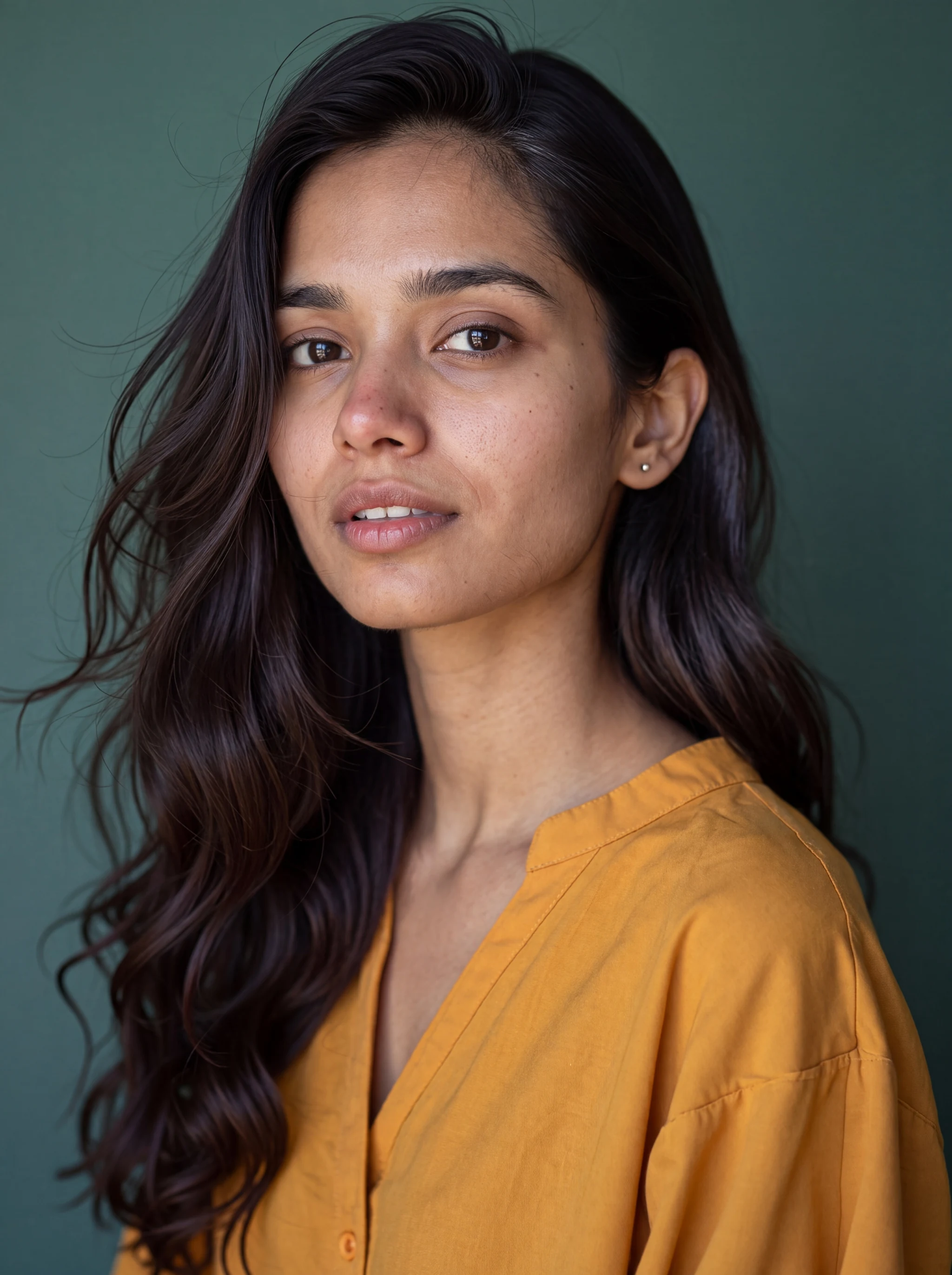
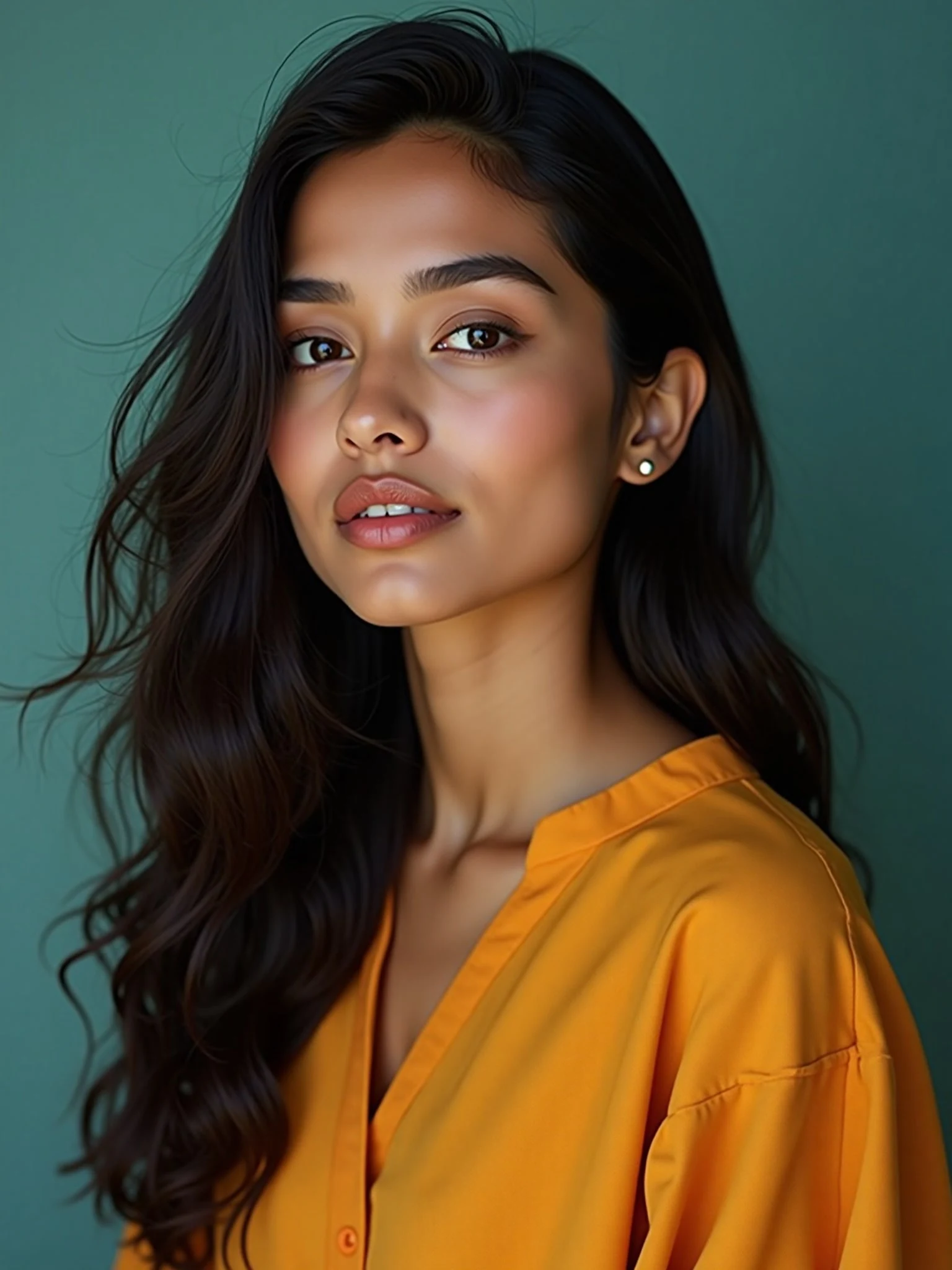
Drag the line
Before on the left, Imagera on the right.
- Made with Imagera AIMake one like this
- Made with Imagera AIMake one like this


- Made with Imagera AIMake one like this
- Made with Imagera AIMake one like this
Up to 74% less
The same model and size, at each platform’s own published price. Checked 29 Oct 2026.
Higgsfield
ChatGPT 2.5 Flare 4K
$0.2991$0.07574% lessOpenArt
Nano Banana 2 4K
$0.175$0.0854% lessOfficial APIs
Grok Imagine Video 480p
$0.30$0.14452% less
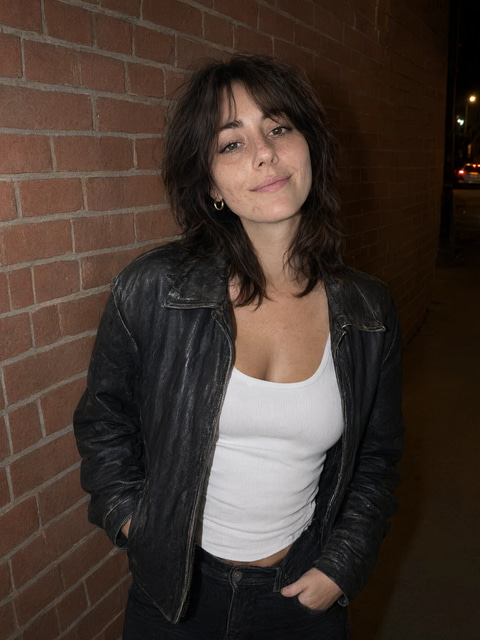
Same face. Every scene.
The Imagera cast
352 ready-made characters. Every face is invented.
Teach AI your face, your product, your style.
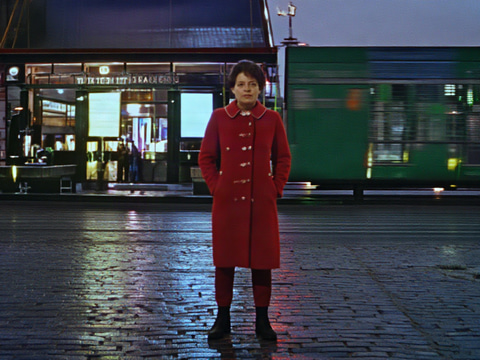
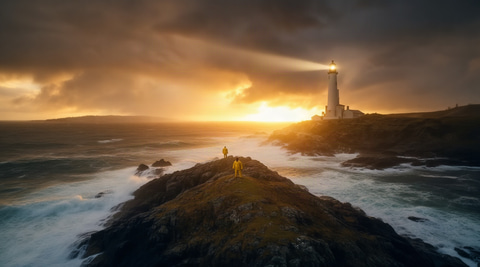
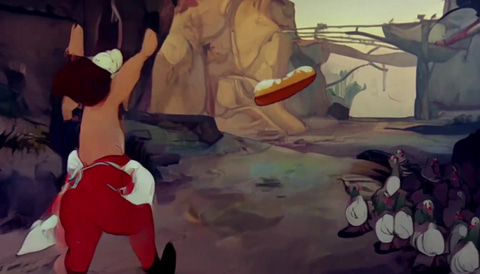
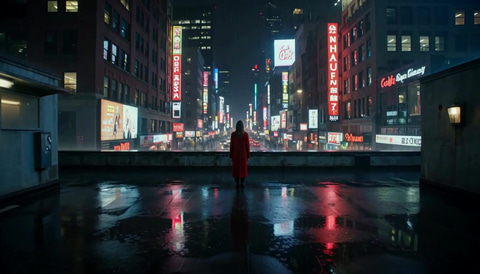

 Illustration
Create
Make images, video, voice and music
Build
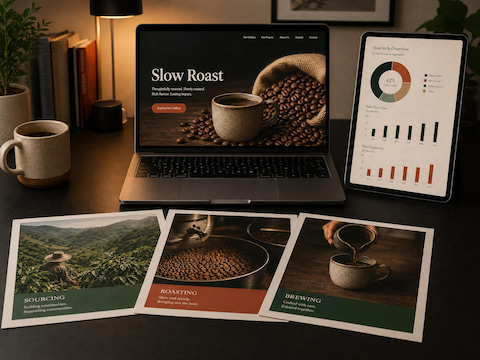
Code, websites and decks with AI
Connect
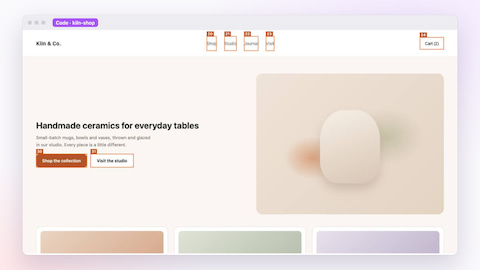
Use Imagera from your own tools
 Illustration
 Illustration
 Illustration
Check
Compare models and spot fakes
Three steps. No surprises.
Pick what to make
An image, a video, a song or a character.
Describe it
One sentence is enough. Add a photo if you have one.
Press Generate
The price is on the button before you press it.
- Price shown before every run
- Failed runs cost nothing
- No watermark
 Illustration
Questions, answered
Everything you want to know.
What is Imagera AI?
Imagera is a browser-based AI studio for images, video, music and voice, so you do not need a separate app and account for every model. Sandbox puts all 365 image, video, music, speech, upscaling and lip-sync models Imagera runs on one card, showing only the settings each model accepts, and its chat view adds 400+ language models. Canvas chains prompts, images, edits and video into reusable node workflows. Create starts a short film, ad or music video from a template that you can direct yourself or open on Canvas. Music Factory writes, extends and covers songs, adds vocals or an instrumental, and splits stems. Single-job image and video tools handle editing, upscaling, headshots, lip-sync and reels. The public API runs the same models from your own code. Pricing is credit-based: one balance covers every tool, and each job shows its credit price or estimate before you run it.
How fast is image generation?
It depends on the model you pick. Image models usually finish first; video and music take longer, and longer clips or higher resolutions add time.
Are the AI images detectable?
Imagera AI creates photorealistic images with authentic visual characteristics like sensor noise and natural skin texture. Our Real Camera mode adds real-world camera artifacts for professional quality results.
What can I create with Imagera AI?
Images, video, music and voice. Sandbox: every Imagera image, video, music, speech, upscaling and lip-sync model on one card. Canvas: chain prompts, images, edits and video into reusable node workflows. Create: short films, ads and music videos started from a template. Music Factory: write, extend and cover songs, add vocals or an instrumental, split stems. Image and video tools: single-job tools for editing, upscaling, headshots, lip-sync and reels. Public API: run the same models from your own code with one key and one prepaid US-dollar balance.
How do I get started with Imagera AI?
Sign up, then pick a plan or a credit pack. Plans start at $19.99 a month for 380 credits (Starter); credit packs start at $39.99 for 350 credits. Every tool and model draws from the same credit balance.
How does AI voice recreation work?
AI voice recreation on Imagera AI is simple: upload a short audio sample or record your voice, and our AI creates a natural-sounding voice recreation in seconds. Use it for voiceovers, audiobooks, or any voice content.
Can I use the generated content commercially?
Yes, all content generated with Imagera AI can be used for commercial purposes. You own the rights to your creations and can use them for business, marketing, social media, or any professional application.
Does Imagera AI detect AI-generated content?
Yes. Imagera's detection tools screen images, text, audio, video and deepfakes, and each result comes with a confidence score. Treat the score as evidence to weigh, not proof.
What is the difference between Sandbox, Canvas and Superagent?
Sandbox is one prompt box for every model: pick a model, type, generate. Canvas is a node-based workflow editor: wire the steps once, then rerun the whole pipeline with a new photo or brief. Superagent is an AI agent: describe the whole job and it plans the steps, picks the models, shows the price and asks before it spends a credit.
Which AI models can I use on Imagera?
Imagera has 360+ media models for images, video, music, voice and 3D, plus hundreds of language models, in one account. In Sandbox you can run the same prompt through several models side by side and keep the winner.
Can I switch AI models in the middle of a chat?
Yes. In Imagera Code, type /models to move between Claude Opus, Claude Fable, GPT-6, Gemini, Grok and DeepSeek or any of 230+ coding models mid-session, and the conversation carries on. In AI Model Arena, ask several models the same question side by side, or type @ to hand the next reply to another model; it reads the whole thread.
Can I use several LoRAs in one run?
Yes. Chain up to 5 LoRAs in one run on 16 base models, image and video: a character, a camera move, a light, a style. Use community favourites such as Character Swap, 360° Orbit, STUDIO 1939, add any LoRA from Hugging Face, upload your own file or use one you trained.
Can I keep the same face or product across images and videos?
Yes. Character ID saves a person, product, place or outfit as one reference sheet, made from a photo or a few words. Use it in any image or video tool and every new result keeps the same face, shape and details.
Can Imagera make a whole film or song from one prompt?
Yes. AI Film Director turns a one-line idea into a film: it writes the shot plan, keeps the look the same in every shot and renders the scenes. Music Factory makes a full song from a prompt or your own lyrics, with vocals, instruments and mastering.
Does Imagera have an API?
Yes. The developer hub at imagera.ai/developers is where you create API keys, check usage and look up errors, and Superagent also works over MCP.
How do credits work on Imagera?
Every tool and model on Imagera draws from one credit balance. Each run costs a set number of credits, a paid generation costs at least 15, and failed runs return their credits automatically. Plan credits reset each billing cycle; credit packs never expire.
Do monthly credits roll over?
Monthly plan credits reset each billing cycle and do not roll over. However, add-on credit packs never expire — they stay in your account even if you downgrade or cancel.
Can I cancel my plan?
Yes — cancel anytime from your account. You keep your plan until the end of the billing period, and credit packs you bought stay in your account.
Does Imagera add a watermark?
No. Results on every plan carry no watermark, and a commercial license is included, so you can use them in ads, products and client work (imagera.ai/terms#section-11).
Earn with Imagera. 30% of every payment, for 12 months.
Share your link. When someone you refer subscribes or buys credits, you earn 30% of what they pay, 35% at 15+ active customers: up to $840 a year from each customer. Paid by PayPal.